


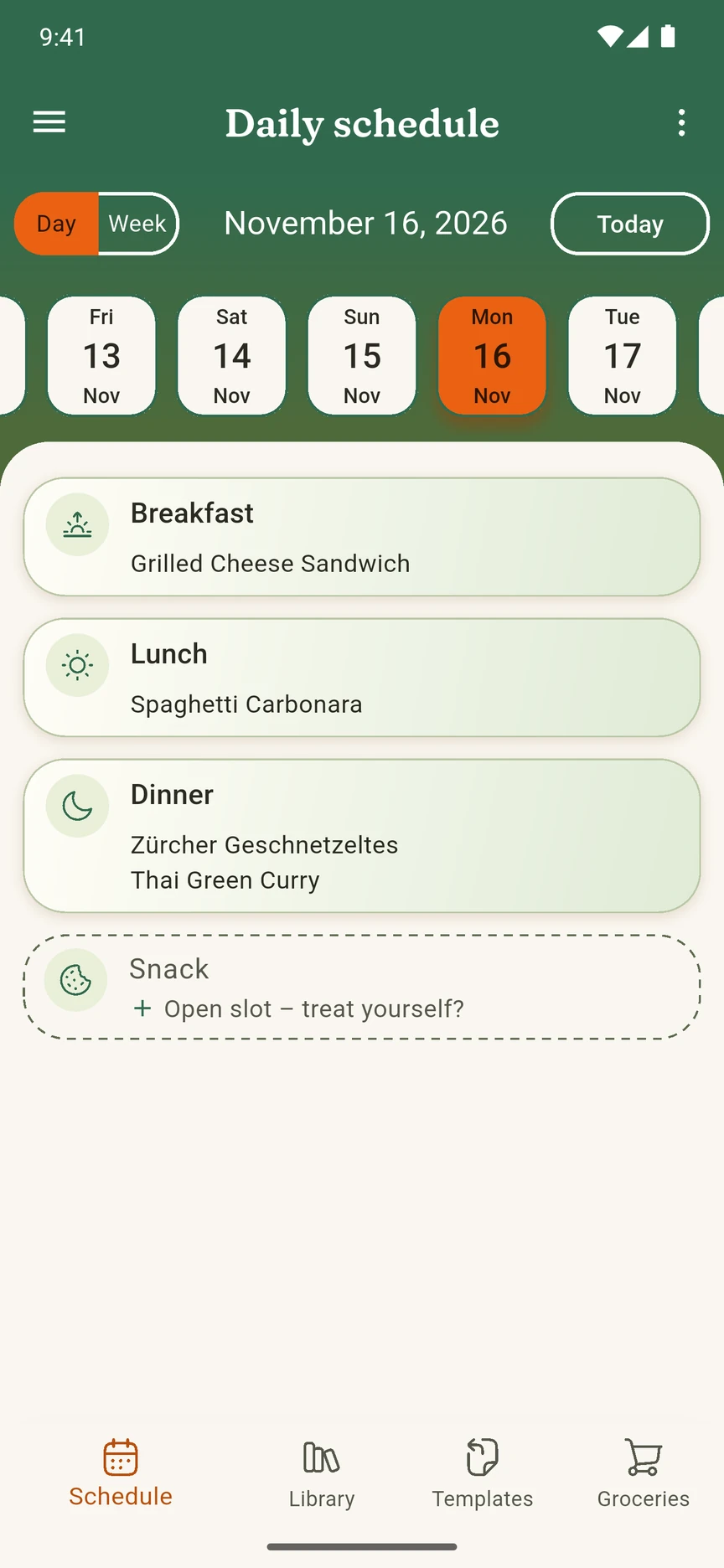
Plan, cook and shop in one place
Meal planning
Put meals into a daily or weekly schedule and see the whole week at a glance.
Your recipes
Keep your own recipes in one place, and search by ingredient when you only know what's in the fridge.
Week templates
Save your usual week as a template and start the next one from there.
Shopping list
One list with the ingredients of every planned meal, for any date range you pick.
How it works
Collect your recipes
Add your favorite recipes by hand, or paste a link or photo and let MealTwine fill in the ingredients and steps.
Plan your week
Put meals into your daily or weekly schedule, or start from a saved template.
Shop with one list
Pick a date range and MealTwine collects the ingredients of every planned meal into one shopping list.
Questions? Read the FAQ
What Premium adds
AI recipe import
Paste a link or add a photo, and AI fills in the ingredients and steps for you to check. Fair use applies.
Sync across devices
Your plans, recipes and lists stay the same on every device you sign in to.
Early access
Try new features before they reach everyone.
From the guides
- Free templateWinter meal rotation: two cosy weeks, plus a Christmas planA two-week winter meal plan with breakfast and dinner, soups, stews and planned leftovers for December to February, plus a Christmas block you can drop into any week.
- Getting startedHow to make a weekly meal plan in 20 minutesA simple, low-pressure way to plan the coming week in about 20 minutes, starting from your calendar and your fridge, with open slots, planned leftovers and one shopping list.
- How-toRotating meal plan: plan once, reuse for monthsHow to set up a two- or four-week rotating meal plan so you stop deciding what to cook every week, with theme nights, shared ingredients, seasonal versions and two example rotations.